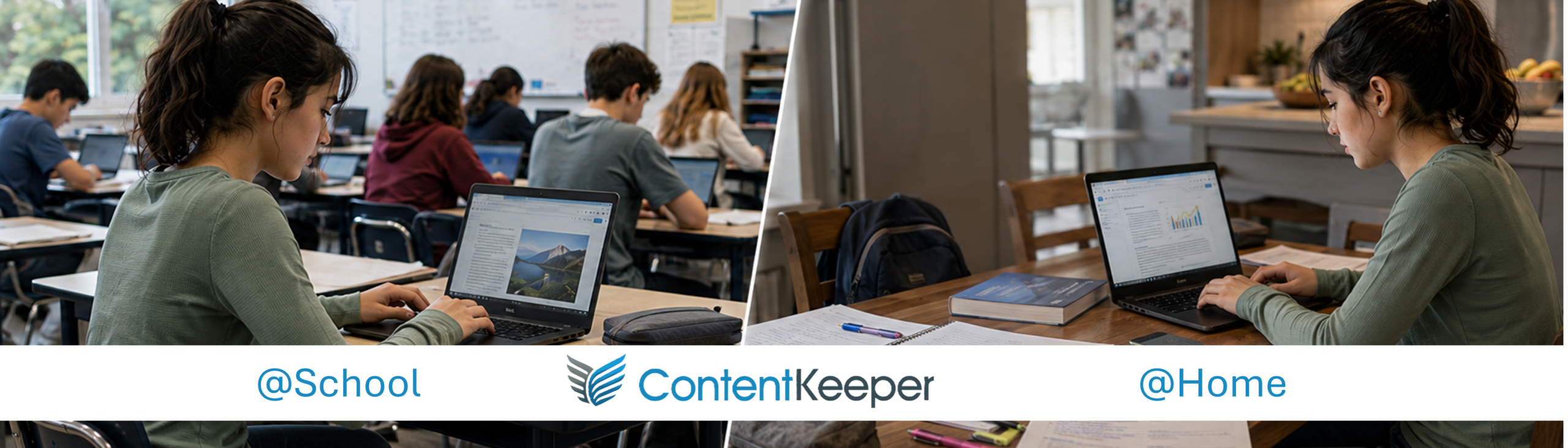
Cloud filtering protects managed devices at school and beyond, while inline filtering covers guest devices, smart panels, eSports and IoT systems on your network. One policy framework across both.
Complete Device Coverage
Apply consistent policies across Chromebooks, Windows, macOS, iPads and BYOD devices, with full-device iPad filtering that covers browsers and apps rather than a single managed app.
Safeguarding That Looks Deeper
ContentKeeper can capture and alert staff to concerning text detected through optical character recognition (OCR), helping schools identify potential safeguarding issues and giving staff additional context to investigate and respond.
Learning Without Over-blocking
Control distractions such as YouTube Shorts and comments, while automatically allowing educational videos embedded in trusted learning platforms—keeping learning resources accessible without opening up the whole platform.
Visibility Into Encrypted Traffic
SSL inspection sees beyond the domain into encrypted web traffic, enabling more precise filtering and helping detect when trusted services are used to access inappropriate content.
Real-time Control and Reporting
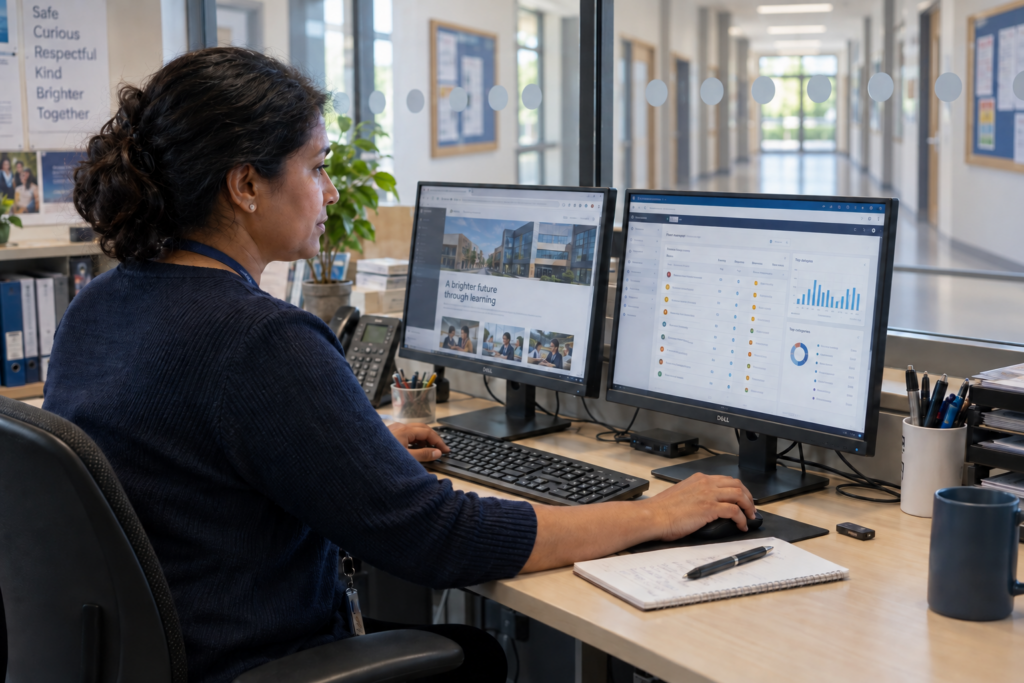
Manage policies centrally and put changes into effect in real time. Clear, actionable reports help IT teams understand activity, investigate issues and respond faster.
One Policy, Wherever Learning Happens
ContentKeeper gives schools powerful, easy-to-use tools for keeping students safe online, at school and at home. Its hybrid approach combines inline filtering that protects devices connected to the campus network with cloud protection that follows managed devices wherever students learn. School-owned laptops, personal devices and shared equipment can all be covered, including devices on the school network that cannot run a filtering client.
For IT teams, central policy management makes it easier to apply consistent access rules across different devices and locations. Schools can protect students while keeping approved learning resources accessible, with policies that reflect different users’ needs. The result is a practical way to manage online safety across a mixed device estate, supporting learning without adding unnecessary complexity.
See Beyond the Domain – Tackle Proxy Bypasses.
Students can use proxy sites to reach blocked content, sometimes through otherwise trusted websites. ContentKeeper’s proxy detection helps schools identify these attempts, using real-time analysis and risk scoring to recognise suspected proxy sites. Identified bypass sites are blocked and added to its proxy library, helping schools respond as new routes around filtering emerge.
SSL inspection adds visibility into encrypted web traffic, helping identify inappropriate activity that a website’s address alone may not reveal. On the school network, application and protocol controls also help tackle unauthorised VPNs and proxy applications, including on unmanaged devices. Together, these capabilities help IT teams enforce school policies and investigate problems while keeping approved resources accessible for teaching and learning.
Learn how ContentKeeper tackles proxy bypasses, click the button below:
ContentKeeper helps schools balance online safety with access to the tools students need to learn. Dynamic Safe-Listing automatically allows embedded YouTube and Vimeo videos from trusted learning platforms, helping teachers use educational content without waiting for individual links to be unblocked. Schools can keep lessons moving while maintaining appropriate restrictions on wider video access.
Granular settings let IT teams restrict features such as YouTube Shorts and comments, reducing distractions without blocking an entire platform. Central policy management makes it easier to adjust access as teaching needs change, with less manual maintenance of approved video lists. Teachers gain reliable access to learning resources, while IT teams spend less time handling routine exceptions and keep school policies in place.
Why Schools Trust ContentKeeper
For Fannin County School System in Georgia, USA, ContentKeeper protects students at school and at home across a mixed device estate. The district has relied on the platform since 2018, with one administrator managing filtering across five schools.
"It just works. It does what it's supposed to to do. And the support is really good; they're very quick to get back to you."
Scott Mathias Director of Technology & Cybersecurity Fannin County School System